
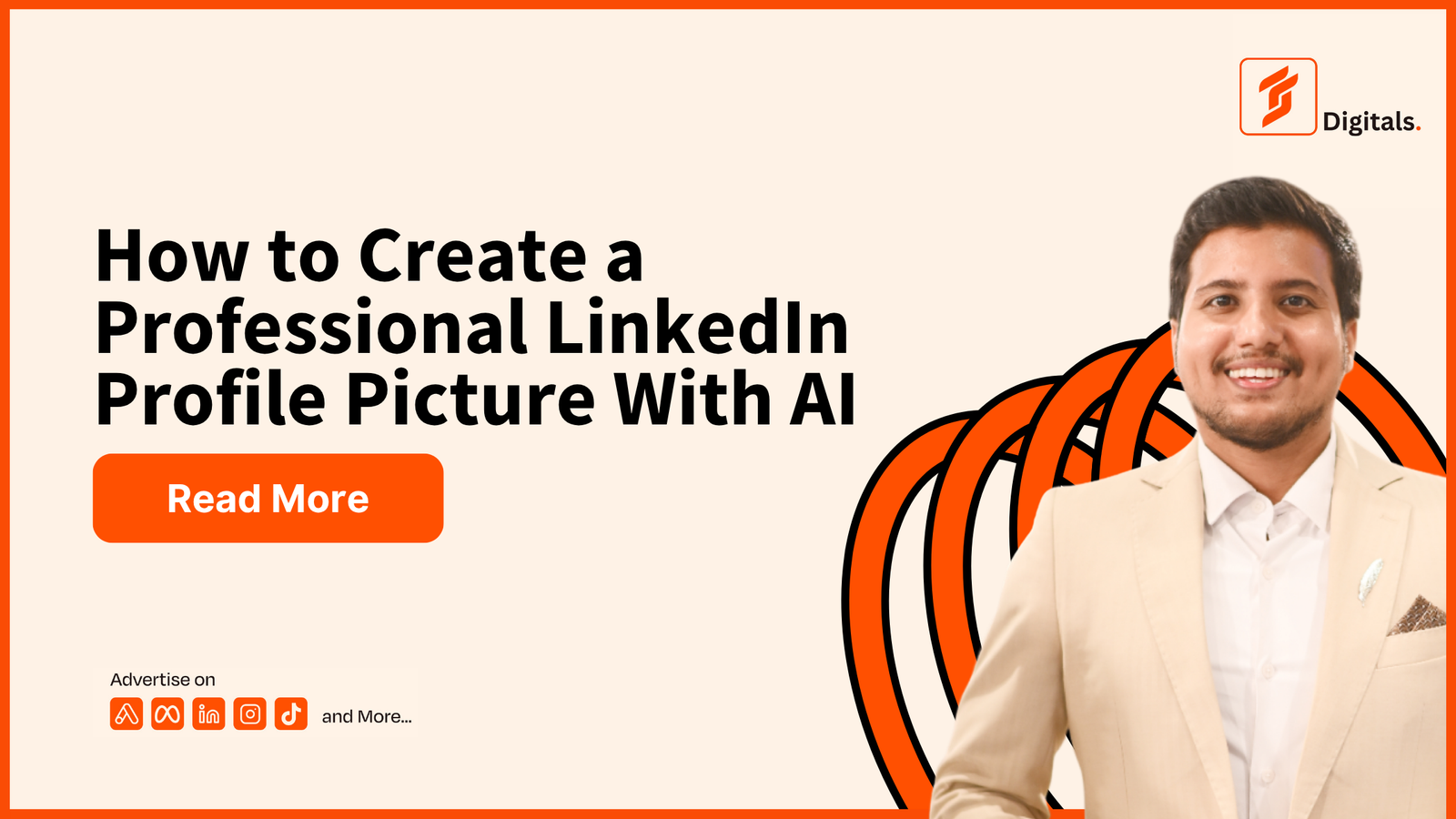
Your LinkedIn profile picture is often the first impression recruiters, clients and business owners get from your profile. A professional photo can make your profile look more trustworthy, confident and polished.
You do not always need an expensive photoshoot. With AI image tools, a clear photo and the right prompt, you can create a professional-looking LinkedIn headshot in minutes.
Tips Before Using the Prompt
For the best result:
- Use a clear, high-quality photo.
- Keep your face visible.
- Avoid sunglasses, heavy filters and group photos.
- Ask AI to preserve your real facial features.
- Choose a simple background.
- Use professional clothing and natural lighting.
- Avoid unrealistic skin smoothing or dramatic edits.
1. Prompt 1 – Corporate LinkedIn Headshot Prompt
Perfect for employees, managers, consultants and office professionals.
Transform this photo into a professional LinkedIn profile picture. Preserve my real facial features, identity, skin tone, hairstyle and natural appearance. Create a realistic corporate headshot with a confident and approachable expression. Dress me in a well-fitted navy blue business suit, white shirt and no distracting accessories. Use soft studio lighting, a clean neutral background and sharp facial focus. Frame the image from the chest up, with my face centered and suitable for LinkedIn. Make it look like a professional photograph taken by an experienced corporate photographer. Avoid plastic skin, excessive retouching, facial changes, unrealistic details and artificial filters.2. Prompt 2 – Freelancer LinkedIn Profile Picture Prompt
Ideal for digital marketers, designers, developers, writers and remote workers.
Create a professional LinkedIn profile photo from this image for a successful freelancer. Keep my real face, facial structure, hairstyle, skin tone and identity accurate. Give me a modern, confident and approachable appearance. Dress me in smart casual professional clothing, such as a clean shirt or blazer. Use natural studio lighting, a minimal light background and realistic skin texture. Make the photo look trustworthy, skilled and suitable for attracting international clients. Use a chest-up composition with a relaxed professional expression. Avoid over-editing, fake skin, dramatic backgrounds, exaggerated smiles and unrealistic facial changes.3. Prompt 3 – CEO and Business Owner Headshot Prompt
Best for entrepreneurs, founders, agency owners and executives.
Turn this photo into a premium professional CEO headshot for LinkedIn. Preserve my exact identity, natural facial features, skin tone, hairstyle and realistic appearance. Give me a confident, calm and trustworthy expression. Dress me in a premium charcoal or black suit with a clean white shirt. Use elegant studio lighting, a subtle dark neutral background and sharp focus on the face. Create a polished executive portrait that communicates leadership, credibility and professionalism. Frame the image from the chest up and keep the composition clean. Avoid excessive retouching, artificial skin, unrealistic facial changes, luxury props and distracting backgrounds.4. Prompt 4 – Young Professional and Job Seeker Prompt
Perfect for fresh graduates, interns and people applying for jobs.
Create a clean and professional LinkedIn headshot from this photo for a young professional and job seeker. Keep my real identity, facial features, hairstyle, skin tone and natural appearance unchanged. Give me a friendly, confident and approachable expression. Dress me in a simple formal shirt with a smart blazer. Use soft natural lighting, a clean light grey or white background and realistic skin texture. Make the image suitable for recruiters and professional job applications. Use a centered chest-up composition with a natural posture. Avoid heavy filters, excessive editing, unrealistic skin, dramatic lighting and changes to my face.5. Prompt 5 – Personal Branding Headshot Prompt
Ideal for creators, coaches, marketers, speakers and personal brands.
Transform this photo into a professional personal branding headshot for LinkedIn and social media. Preserve my real face, identity, facial features, hairstyle and skin tone. Create a confident, approachable and expert appearance. Dress me in stylish but professional clothing that matches a modern personal brand. Use soft natural lighting, a clean premium background and realistic skin texture. The image should look authentic, polished and trustworthy without appearing overly edited. Frame the photo from the chest up with strong eye contact and a natural expression. Make it suitable for LinkedIn, a personal website and professional social media profiles. Avoid fake facial features, plastic skin, dramatic effects and distracting objects.Final Checklist
Before uploading your AI-generated LinkedIn photo, make sure:
- Your face is clear and easy to recognize.
- The image still looks like you.
- Your expression is confident and approachable.
- The background is simple.
- Your clothing matches your profession.
- The photo is cropped from the chest or shoulders up.
- There are no strange AI errors.
- The image looks professional, not overly edited.
Final tip: AI can improve your presentation, but your profile picture should still look like the real you. Trust and authenticity matter more than perfection.